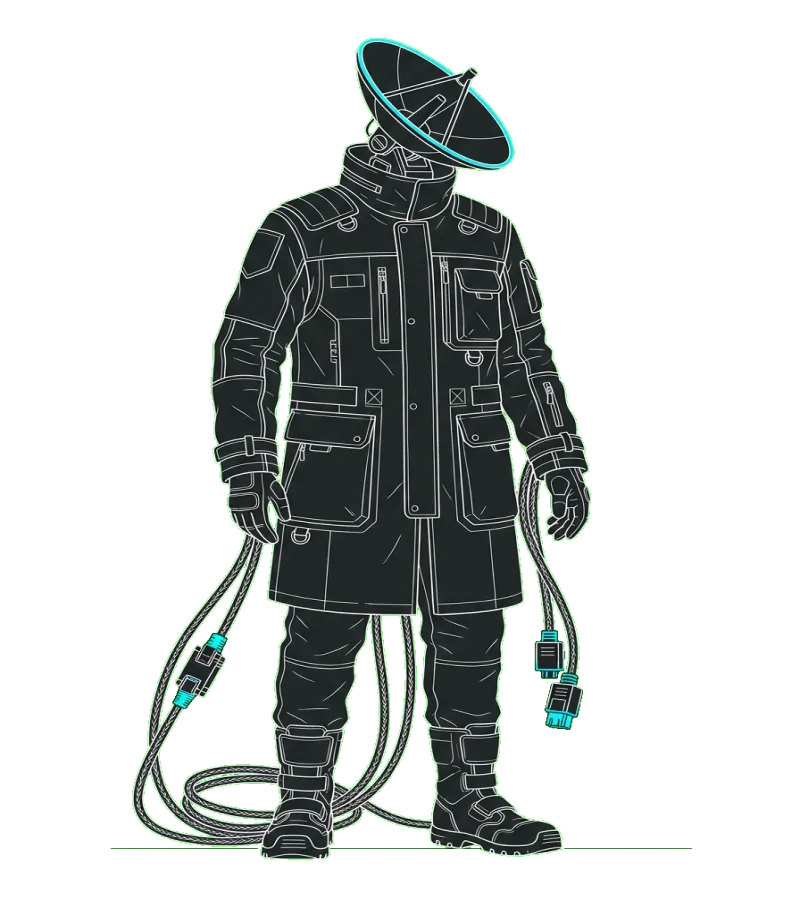
 SSH session manager for your Mac · Works with altergo
No context loss when you switch agents.
Task state and files are shared across all four providers.
SSH session manager for your Mac · Works with altergo
Claude Gemini Copilot Codex
Use your AI coding setup from anywhere. SSH into your Mac from your phone and keep building.
Click to copy · Then run rover in your terminal
altergo runs it · Rover reaches it
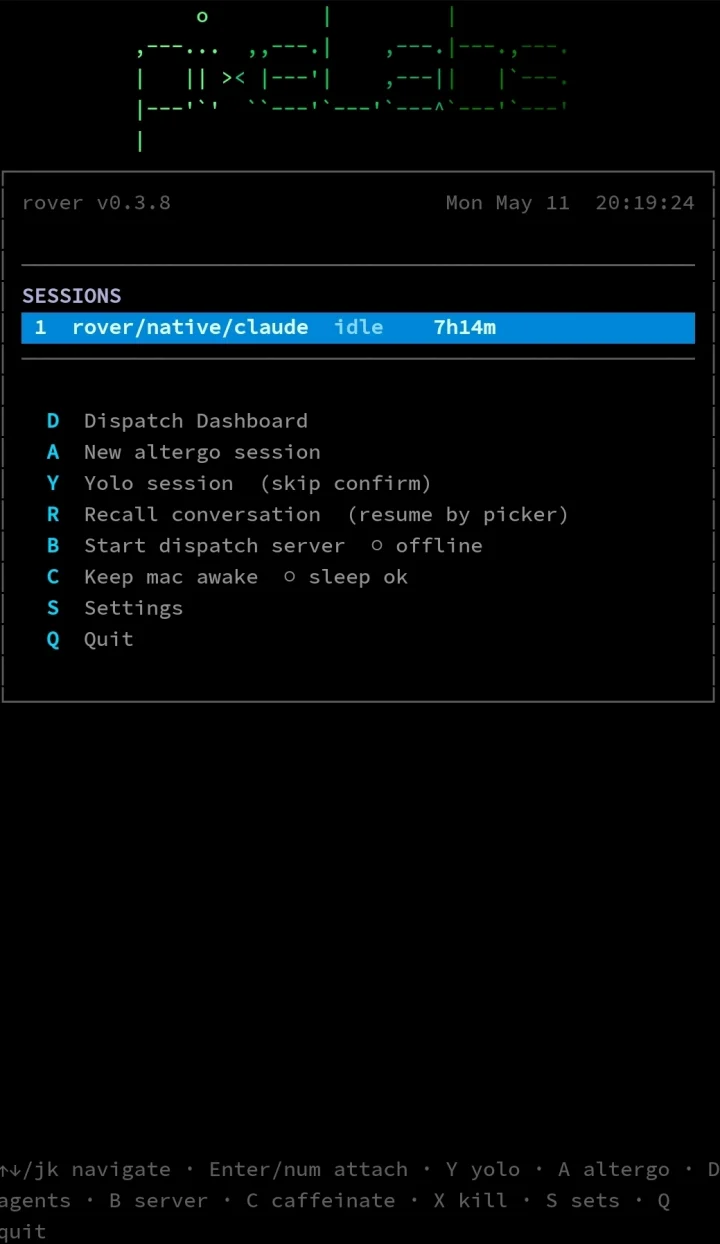
altergo is the runtime underneath that keeps every account and session alive across restarts. Rover is the pocket terminal: SSH from your phone to your Mac and check, launch, or kill any agent in two keystrokes.
// four agents, one ground truth
Switch agents mid-task. The board, the files, and the tools stay put.
Task state and files are shared across all four providers.
Install once — each provider’s config is written automatically.
Spawn, monitor, and coordinate from a single cockpit.
All four providers connect. Spawn, monitoring, and token-accounting fidelity varies — see the provider guide for per-provider details.
// what rover does
Left the house. SSH in from wherever you are and pick up where you left off.
Lid's closed. Night shift is running. You pull the phone out, SSH in, hit D. Eighteen agents laid out in two columns. Everyone's fine. You put the phone down.
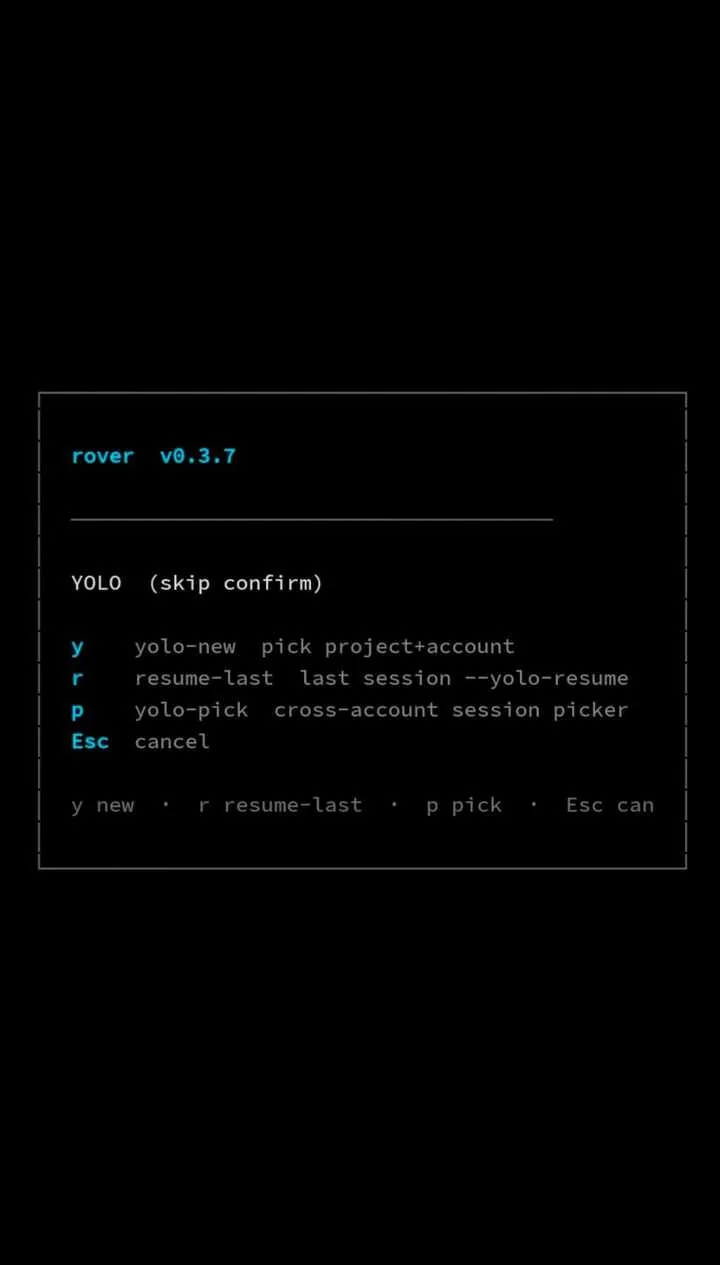
Agent stopped on a permission prompt. You're in bed. Y to select it, Y again to yolo-resume. It's running. You didn't open a laptop.
Something's spiraling. Token counter is climbing. You SSH in, X, confirm. Dead. The codebase fears you.
// voice input
Tap the mic key on your keyboard. Dictate. The agent takes direction.
Agent hit a permission wall while you walk back from coffee. You open Rover, SSH in, dictate: “just trust the schema, accept the tool call, carry on.” It goes.
Couch. An idea lands for the refactor you’ve been putting off. You dictate three sentences into the SSH session. Altergo spins it up. The first pass exists before you reach your desk.
Agent is 40% through, going the wrong way. You say: “stop after the current file, add tests before moving on, prioritize the auth module.” It pivots. Nothing else needed.
// what you see
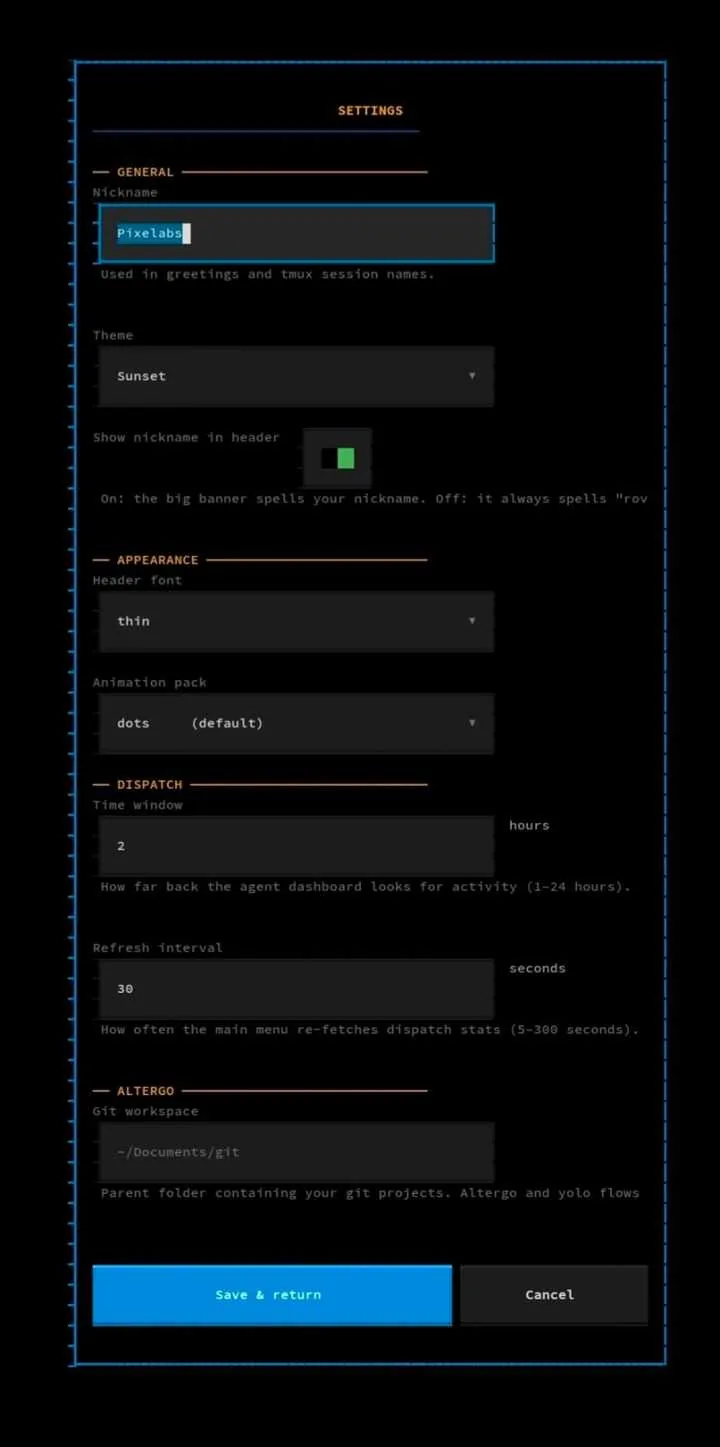
Three views, one SSH window. The full TUI in portrait mode.
// install
homebrew
pipx — Linux or macOS, Python 3.11+
// keybinds
// requirements
Three things on, one app installed, one altergo project set up. That’s the stack.
altergo — Rover drives altergo sessions, not raw provider CLIs
Or run rover on your laptop. Same TUI, no SSH, when you’re at the desk.
On Android, Termius. On iOS, Blink or a-Shell.
Already running overnight agents and checking on them from bed. That’s the use case.
// auto-launch
Couch, kitchen, garden — any phone on the wifi reaches it.
Add a VPN to the router and the couch becomes the train.
Click to copy · add to your shell profile (~/.zshrc, ~/.bashrc, etc.), then reload it
// rover
Click to copy · Then run rover in your terminal
Works with altergo